Malls
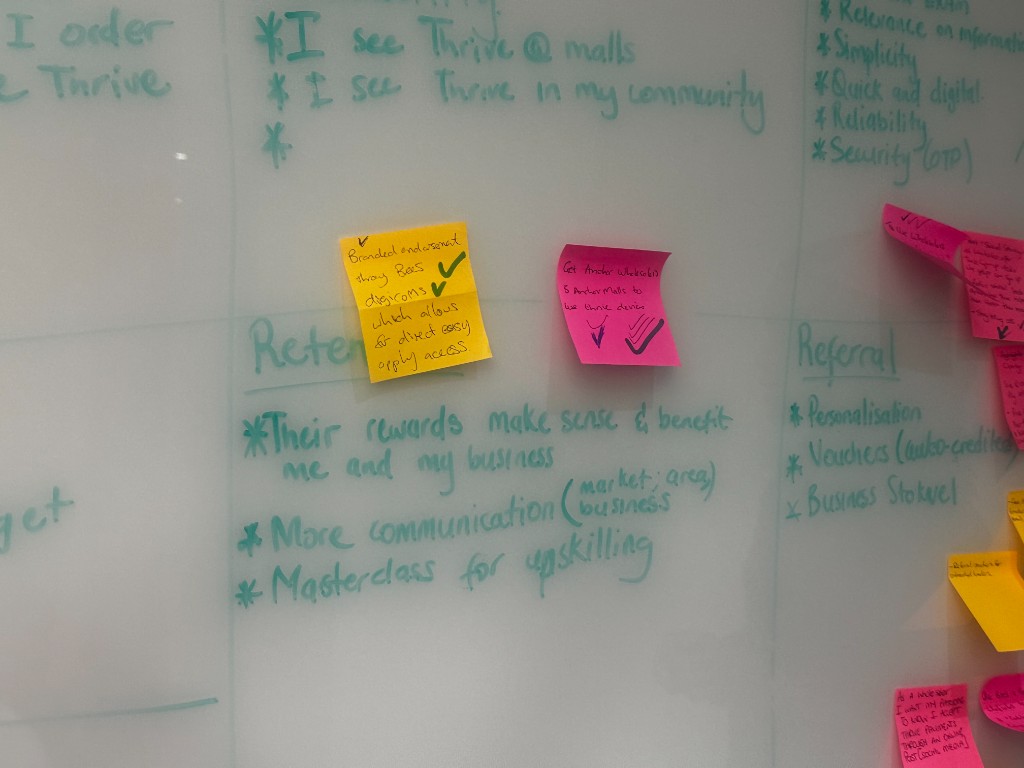
I see Thrive at the malls. The card machine is already on the counter, and I want the dashboard just as easy to open when I am standing with a customer.

Standard Bank · Thrive
Overview
The merchant dashboard lived in an Android app, and that app was the only way to open it. I lifted the experience onto the web so the same account works in a browser: the balance, the device application, and the way in.
The shift
On Android the merchant already had a dashboard for the balance, card sales, and rewards. I moved that screen onto the web first, so a laptop at the till shows the same account the phone does. The app stays Android-only. The web is how everyone else gets in.
The account
Balance opens into the list. Pending transactions sit above the history, with the available amount, the day-end lines, and the card sales.
Devices
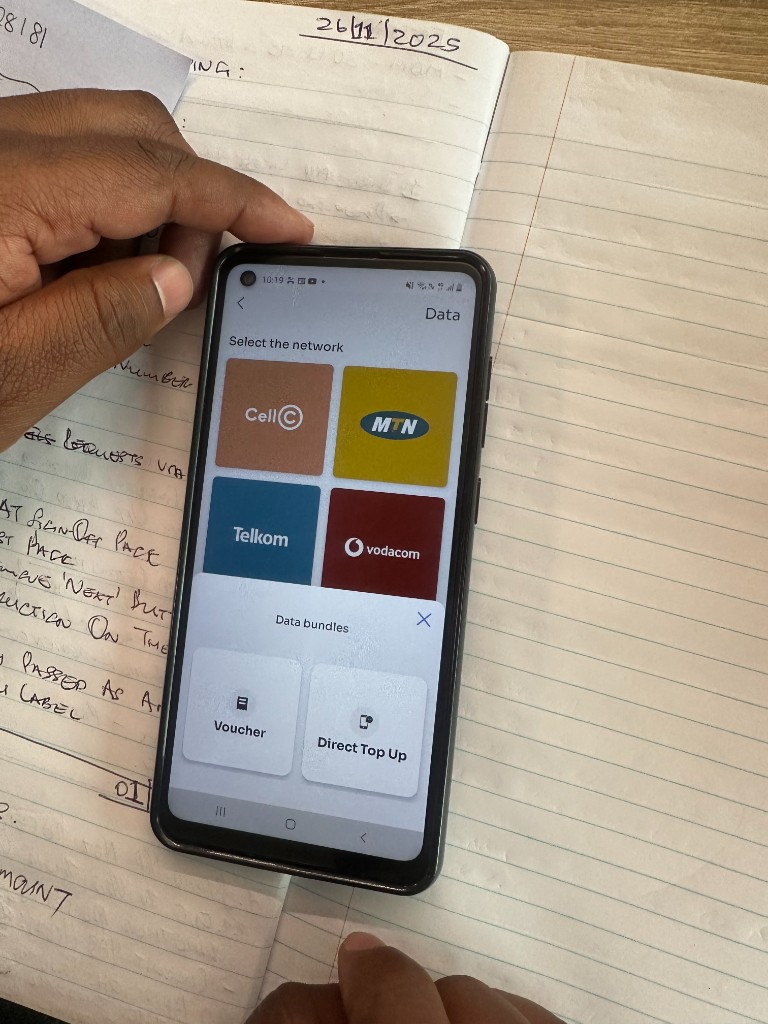
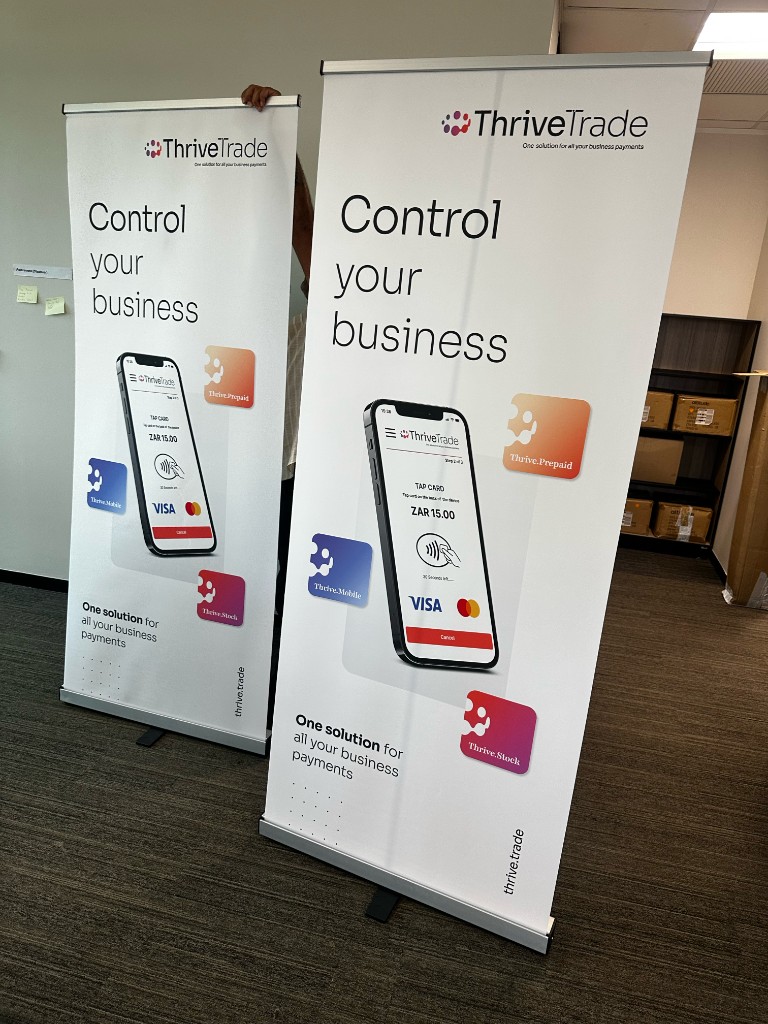
Applying for a card machine was part of the same app. On the web the merchant picks a package, reads the rental and connection fees, and confirms before the terms. Cashless Pro is that decision on a desktop screen, with the price on the option and the total in the bar.
Research
I see Thrive at the malls. The card machine is already on the counter, and I want the dashboard just as easy to open when I am standing with a customer.
I see Thrive in my community. Other shops already talk about it, and I want that same payments story on my till, not only on someone else’s phone.
Their rewards make sense and benefit me and my business. When more sales go through the device, I can see why the payout changes instead of guessing.
More communication for the market, the area, and the business. I should not have to ask what the balance did overnight.
A masterclass for upskilling. The person on the till should learn the screen once, then use that same screen on the laptop.
A blended endorsement through the diagrams, so applying is direct and easy. I do not want a second process just because I opened it in the browser.
Personalisation, vouchers that credit automatically, and a business stokvel. Referral should feel like part of the account, not a form I have to hunt for.
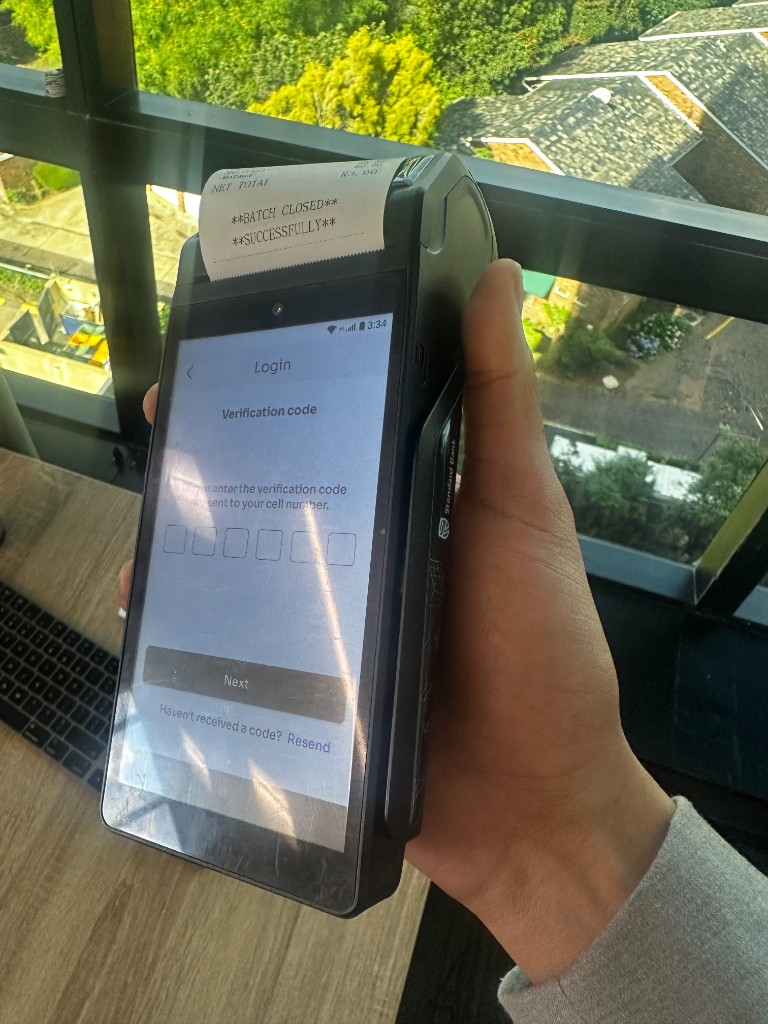
Relevance, simplicity, quick and digital, reliability, and security with the one-time code. If the code is the lock, the rest of the account should stay simple.
Flow
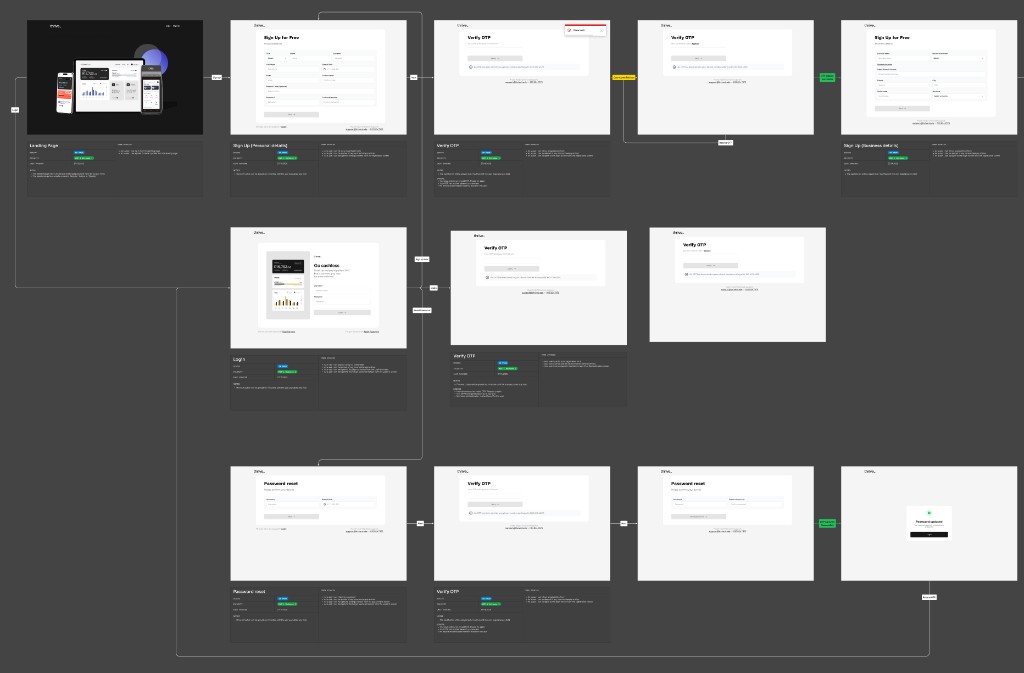
Getting in is part of the same shift. A merchant lands, signs up, and confirms with a one-time code before the business and personal details. Login and password reset are on that map, because the web has to open the account the Android app already had.
Impact
The account used to live on Android only. On the web, a merchant at the till gets that same account: the balance, the device application, and the way in.